Every Door. Every Way In.
Verkada access control pairs door controllers with readers that support the way your team actually works. We help match the right hardware and credential type to each door, then install, configure and support it.
Badge & Card
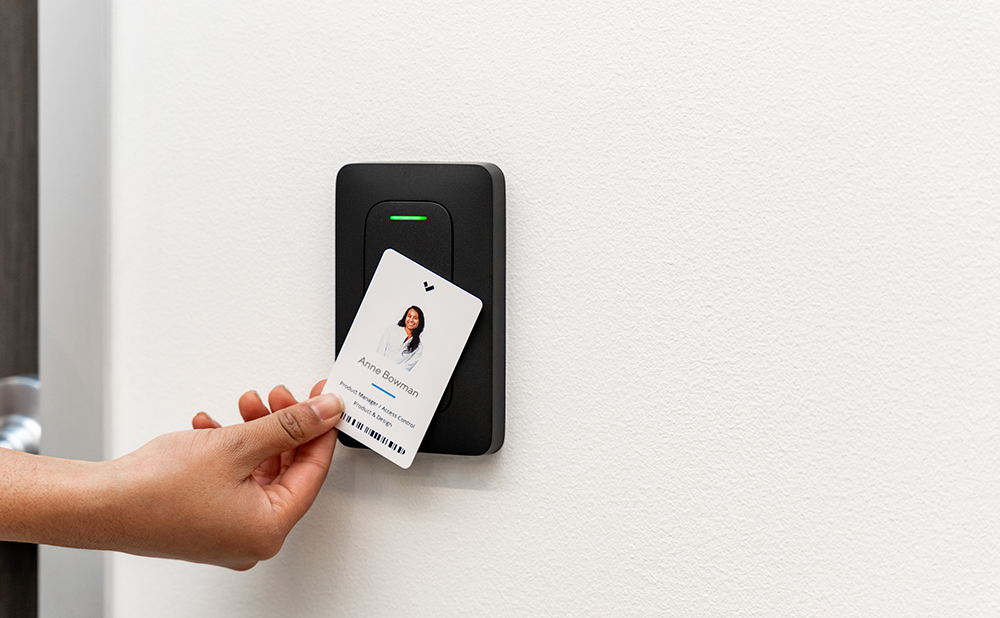
Card and Fob Readers
Familiar tap-to-enter access for staff and visitors. Issue, suspend or replace credentials from the cloud in seconds, with no on-site software.
Best for: offices, suites, back-of-house doors
Mobile
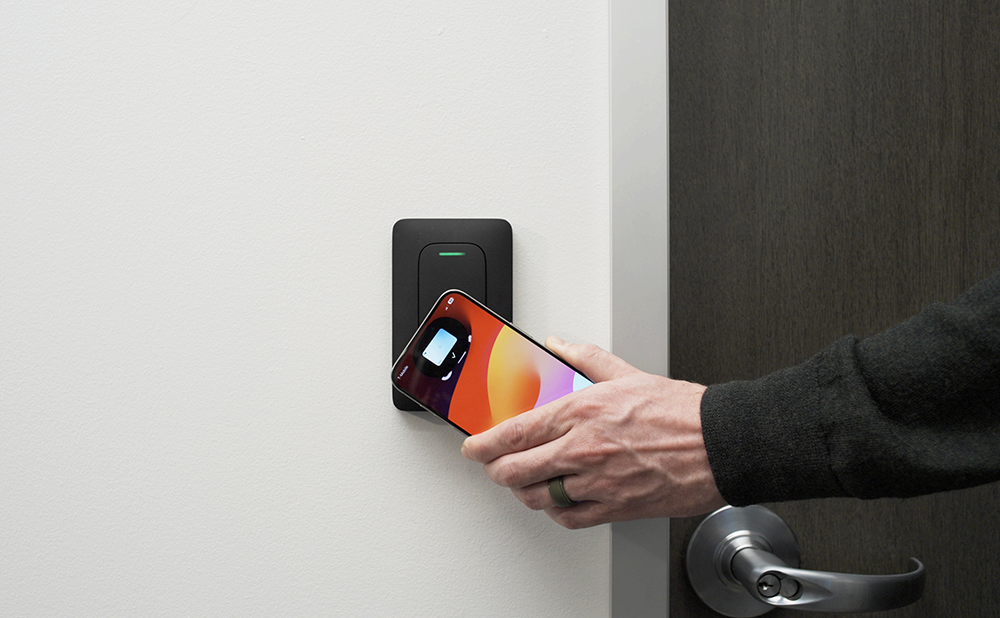
Mobile Credentials
Let employees unlock doors with a smartphone. Add or remove a user remotely, which cuts down on lost cards and manual badge handoffs.
Best for: hybrid teams, multi-site staff, contractors
Keypad & PIN
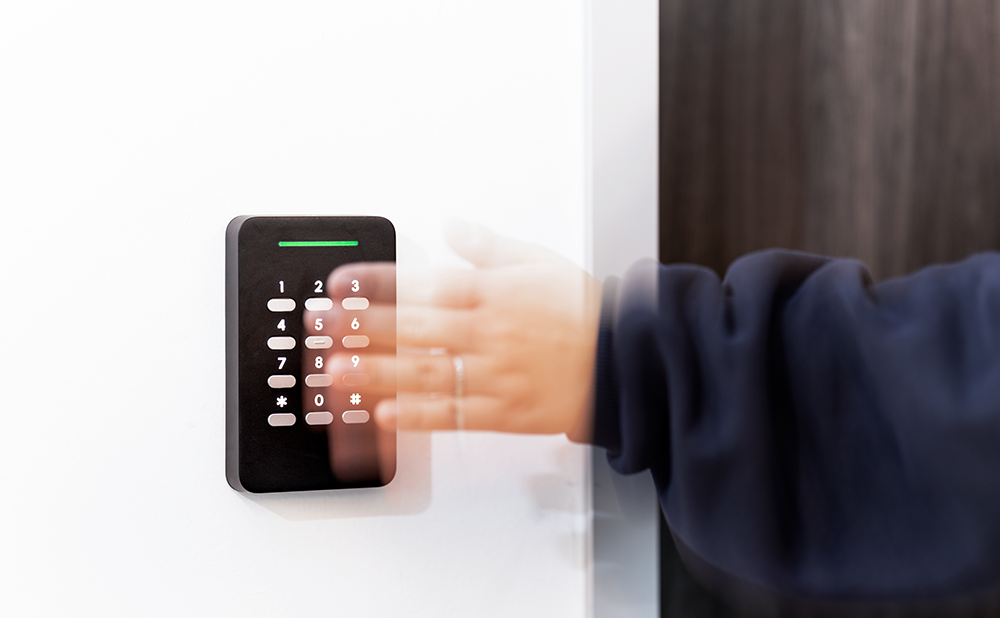
Keypad and Multi-Factor Entry
Add a PIN, or require card plus PIN, for higher-security areas. Availability depends on the reader model and configuration you choose.
Best for: server rooms, storage, pharmacies, cash handling
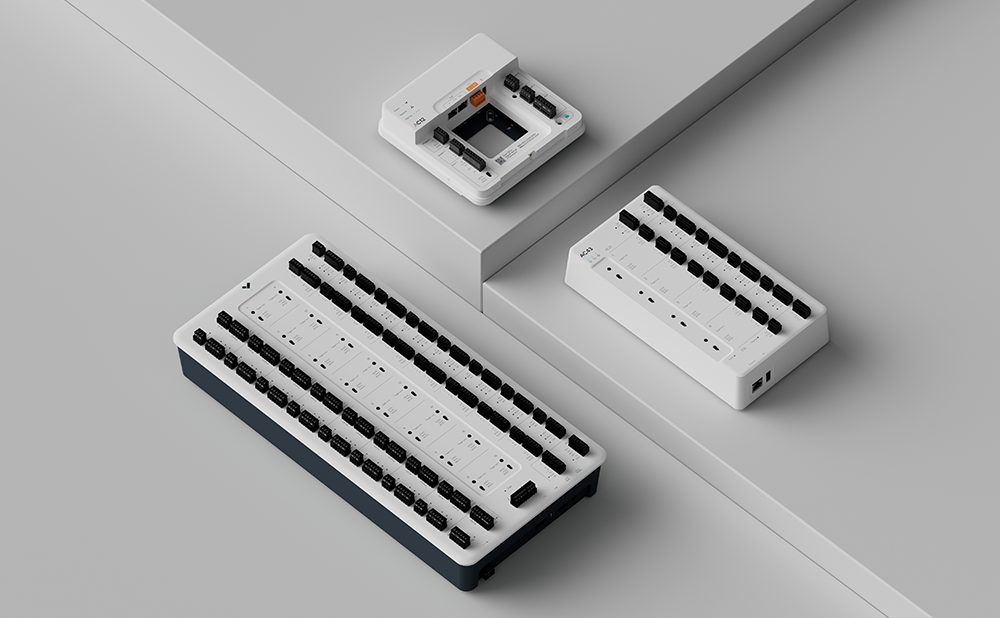
Controllers
Door Controllers
The controller is the brain at the door: it connects readers, locks and sensors to your network and the cloud platform. We plan wiring, power and capacity for the doors you have today and the ones you will add.
Best for: new builds and legacy system replacements

Hard-to-Secure Doors
Glass, Gates and Specialty Doors
Storefront doors, parking gates, stairwells and shared entrances each need the right lock, reader and mounting. We assess each opening during the site walk.
Best for: retail, multi-tenant, campuses
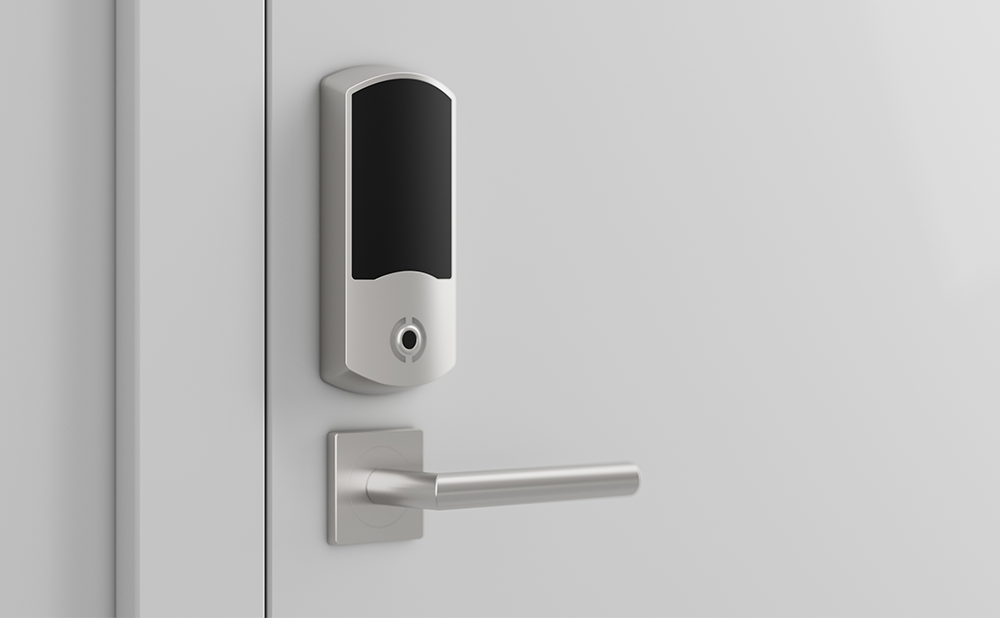
Locks & Hardware
Locks, Strikes and Exit Devices
Electric strikes, magnetic locks and request-to-exit devices all have to work together and meet life-safety and fire code requirements. We coordinate the hardware and any required permits or inspections.
Best for: any opening that needs a reliable, compliant lock
Doors, Cameras and Intercoms Working Together
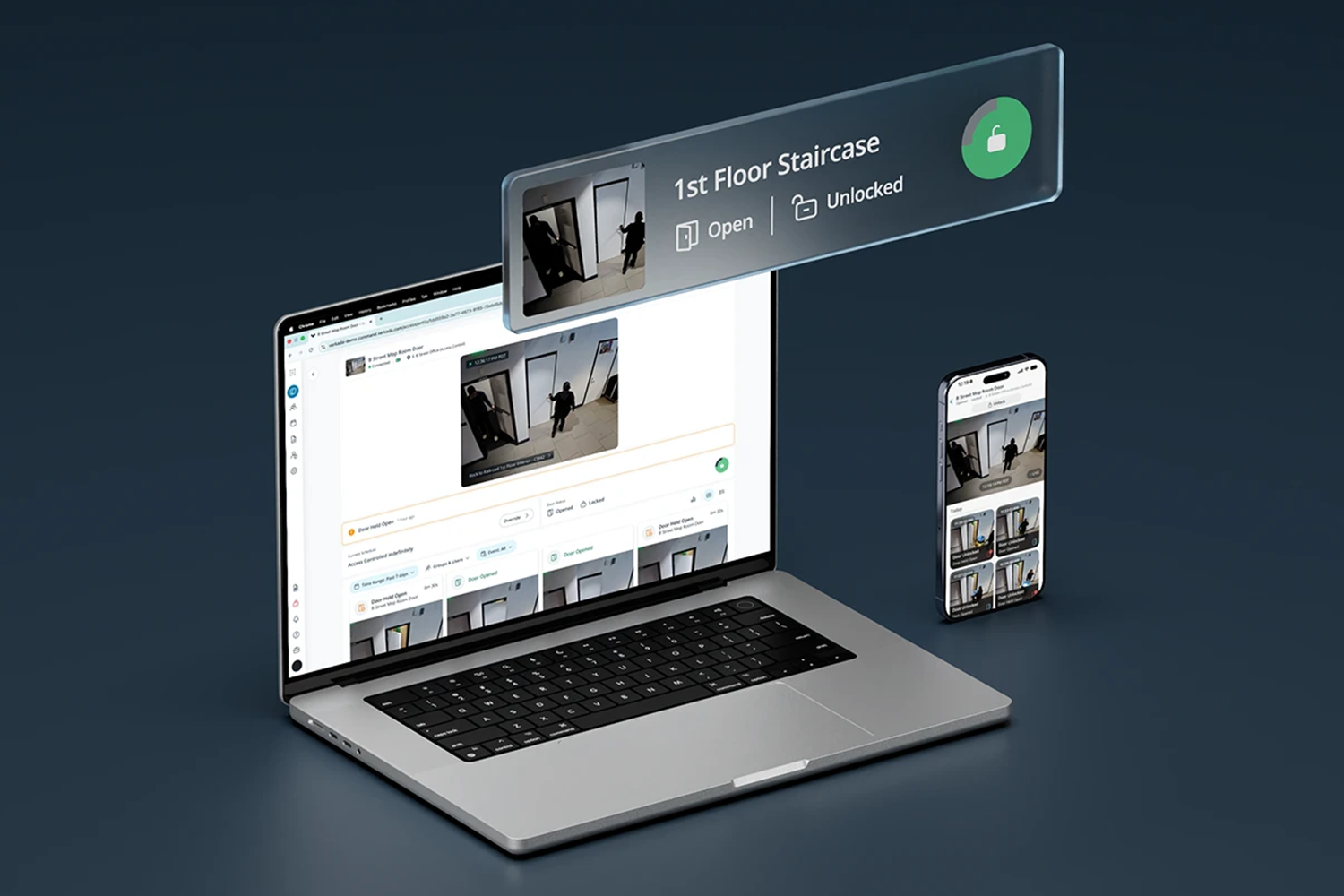
When access control shares a platform with video and intercoms, an event stops being a log line and becomes something you can see and act on.
Access + Video
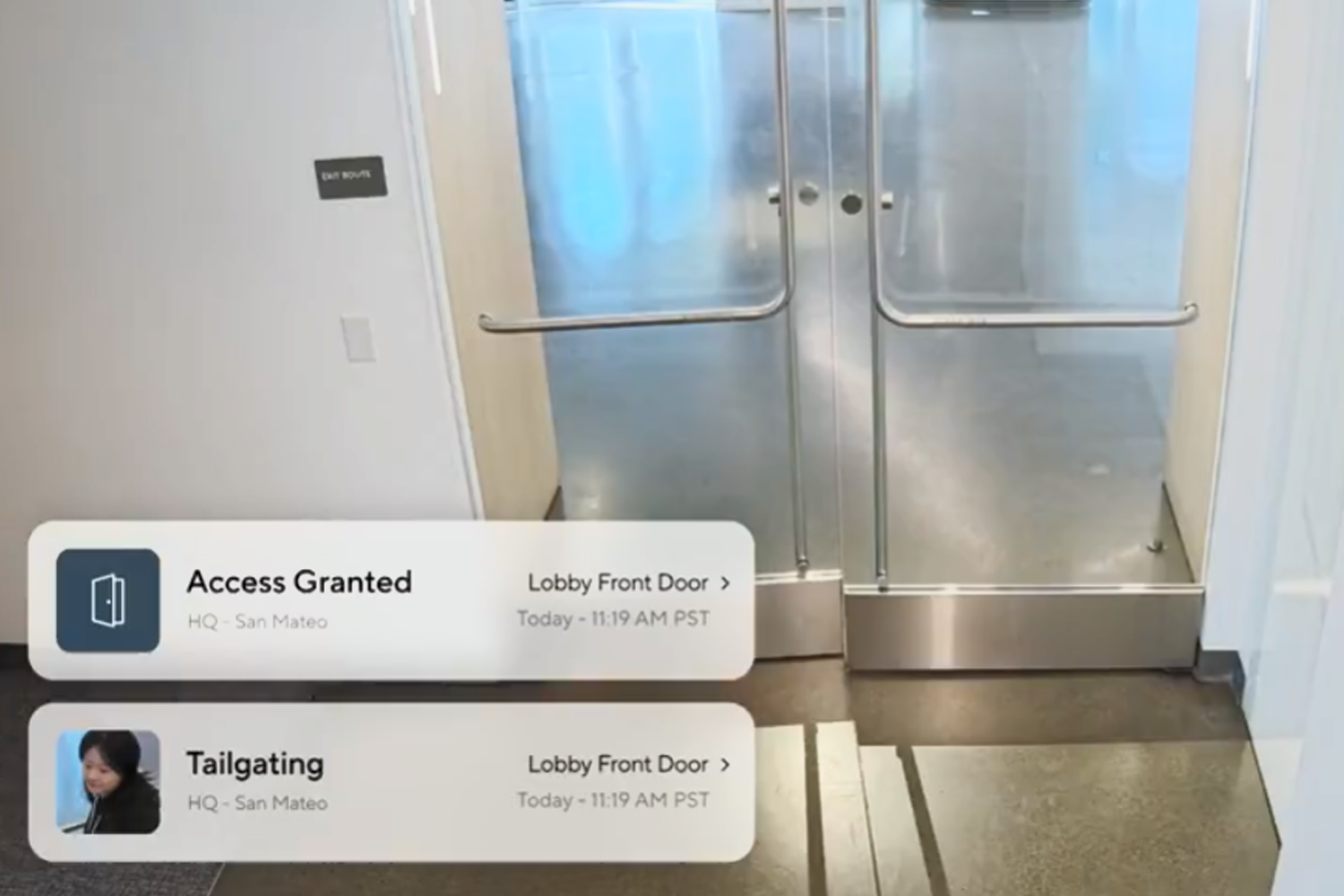
See Who Came Through the Door
Pair door events with camera footage so you can review an entry in context, with no guessing from a badge number alone.
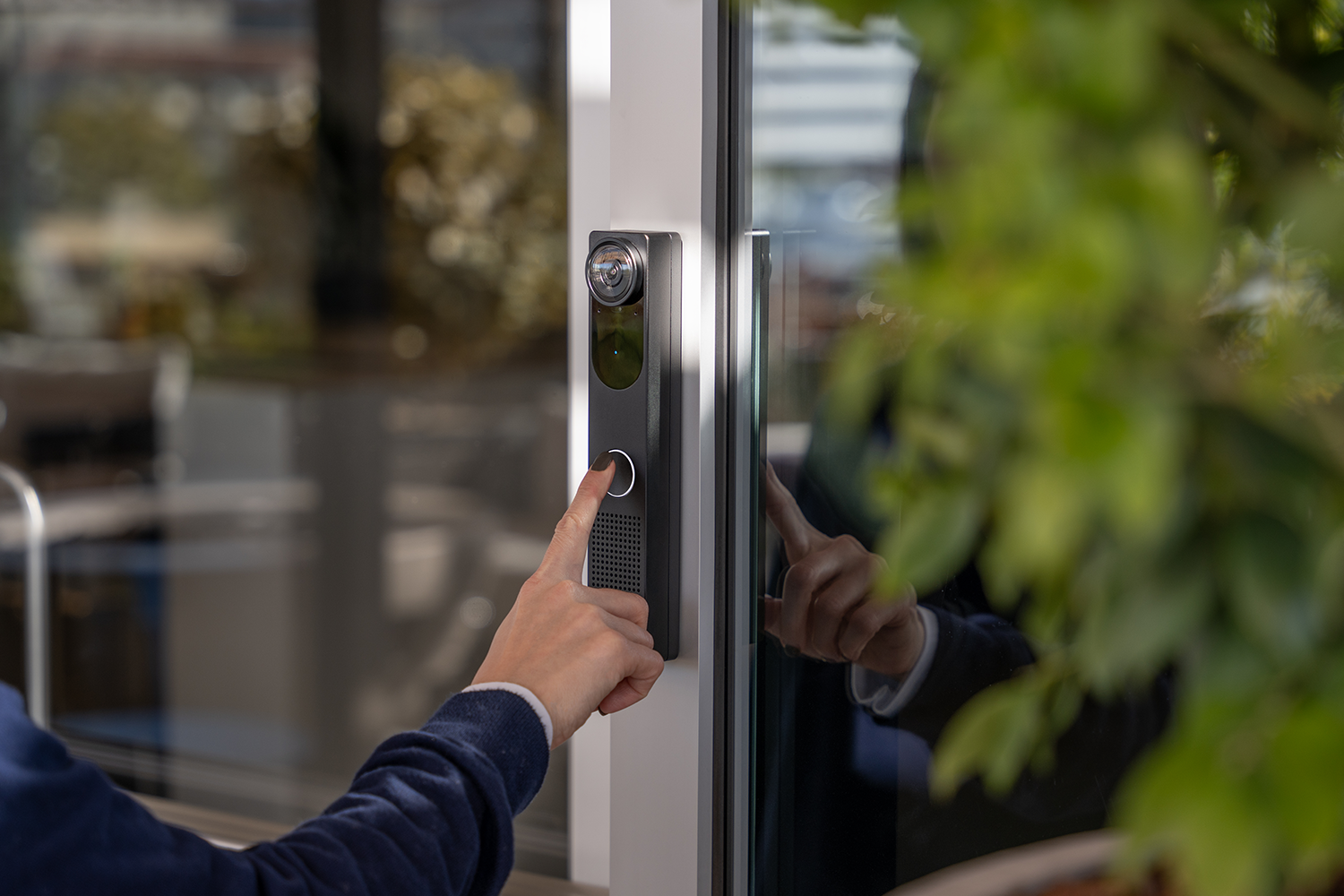
Access + Intercoms
Greet Visitors Before They Come In
Video intercoms let reception, security or staff see and speak with visitors, then unlock the door remotely if appropriate.
Cloud Management
Manage Every Door From Anywhere
Lock, unlock and review doors across one site or fifty from a browser or app. Updates are delivered through the cloud platform, so you are not babysitting servers.
Access That Follows Your People
Hiring, role changes and departures all affect who should be able to open which door. Verkada access control is designed to make those changes quick and visible.
Set Up Groups and Schedules
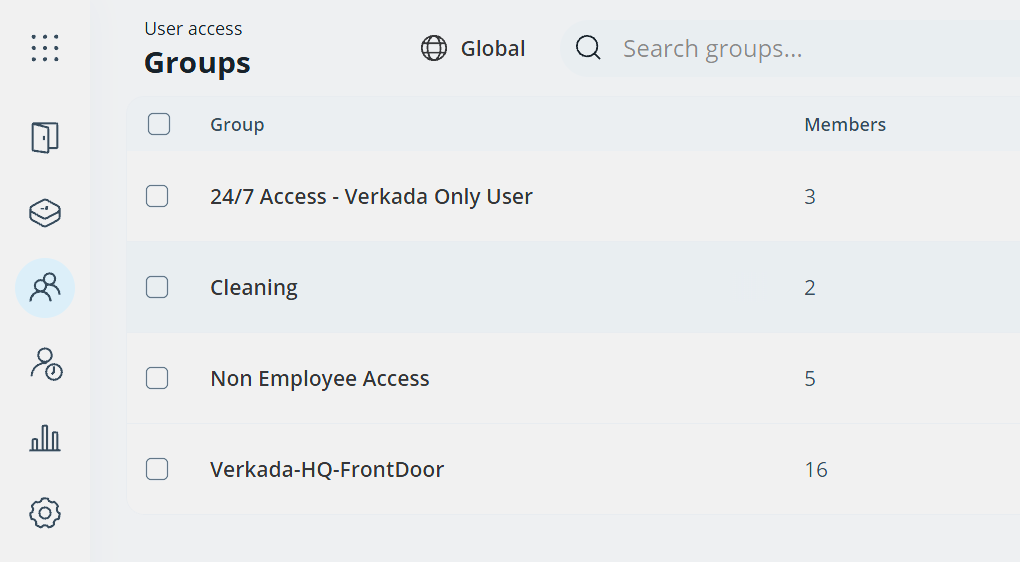
Create access groups by role, department or location, then assign which doors are open at which times.
Sync With Your Directory
Where supported, connect to your identity provider, such as Microsoft Entra ID, Google or Okta, so people and groups can be provisioned from the systems you already manage. We confirm what is available for your setup before promising a workflow.
Issue Credentials in Minutes
Send a mobile credential or assign a card remotely. New hires can be ready on day one.
Offboard Instantly
Revoke a user in one place and their access to all doors is removed, with no walking around to collect keys.
Example: User permissions
Audit Trail
Review who opened which door and when, and export reports for compliance or HR.
Door Alerts
Get notified about forced or held-open doors and other events you choose to monitor.
Lockdown Controls
Prepare emergency procedures with lock and unlock actions, subject to life-safety rules.
Visitor Management
Add guest policies and temporary access for vendors, cleaners and contractors.
Cloud-Managed. No Server Closet.
A modern access system should be simple to run. The cloud platform means less on-site infrastructure and easier management across locations.
1 Platform
Doors, cameras and intercoms
Cloud
Manage from browser or app
Multi-Site
One view across locations
Scalable
Add doors as you grow
No On-Site Access Server
Move away from aging access control servers and software that must be patched and backed up.
Software Updates Delivered
Platform updates arrive through the cloud, so you are not scheduling downtime for upgrades.
Role-Based Admin
Give HR, facilities and security the permissions they need, and nothing more.
Open Integrations
Connect with directory and other business systems where integrations are available for your setup.
Mobile App
Check door status, unlock and review activity from a phone when you are away from the building.
Security-Minded Design
We help configure strong admin access, such as MFA and least-privilege roles, to protect the system itself.
From Door Assessment to Working System
Access control is part hardware, part network and part process. We coordinate all three so doors work reliably on day one.
Site Walk and Door Survey
We review each opening, the door type, existing locks, egress and any code considerations.
Hardware Recommendations
Readers, controllers, locks and credentials matched to each door and your budget.
Cabling, Power and Network
Cable runs, PoE switch capacity, VLANs and uplinks planned before installation.
Installation and Testing
Mounting, wiring, configuration and testing of every door, including fail-safe behavior.
Users, Groups and Schedules
We build your access groups and schedules and help import users where applicable.
Training and Support
We train your team and can support the system after handoff as part of your IT plan.
Security That Fits Your IT
Doors rely on the network, power and identity systems behind them. Because Tekie Geek is also your IT provider, access control is planned around your switches, Wi-Fi, directory and backup power instead of being bolted on.
A Clear Path to Secure Doors
Walk the Site
Discuss your goals, review doors and identify constraints.
Design the System
Select hardware, credentials, network and power needs.
Install and Configure
Install doors, set up users and test every opening.
Train and Support
Hand off, train your team and plan ongoing support.
Let's Plan Your Access Control System
Tell us how many doors, how many locations and what you need to protect. We will help you decide the next practical step.