Built for Every Entrance
Different doors call for different setups. We match the intercom, the way visitors announce themselves and the way your team answers to how your building actually works.
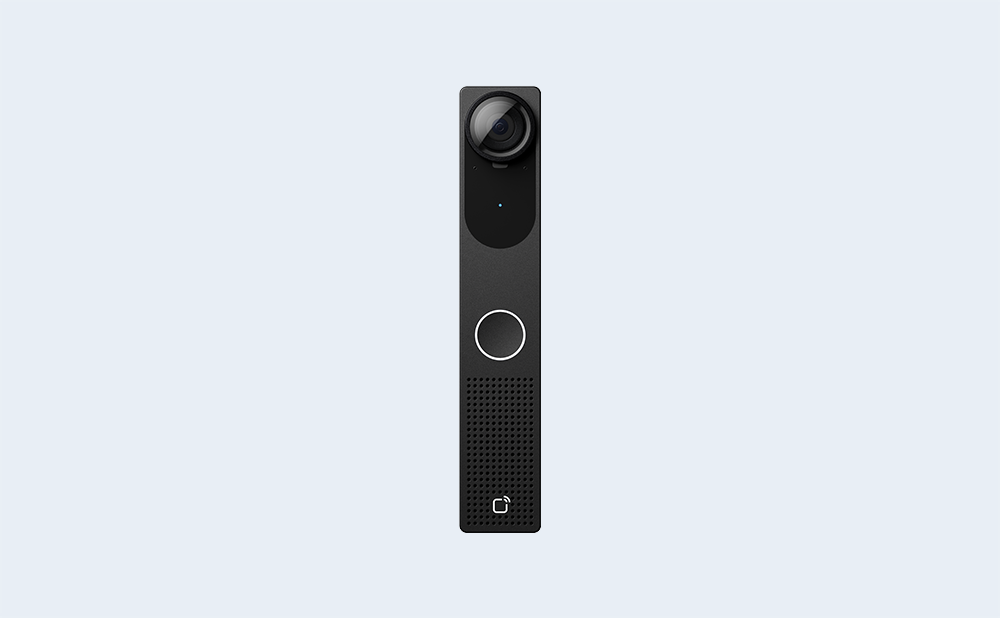
Main Entrance
Entrance Intercoms
A video intercom at your front door lets staff see and speak to visitors before anyone is buzzed in, with two-way audio and a clear camera view of who is there.
Best for: offices, clinics and professional suites.
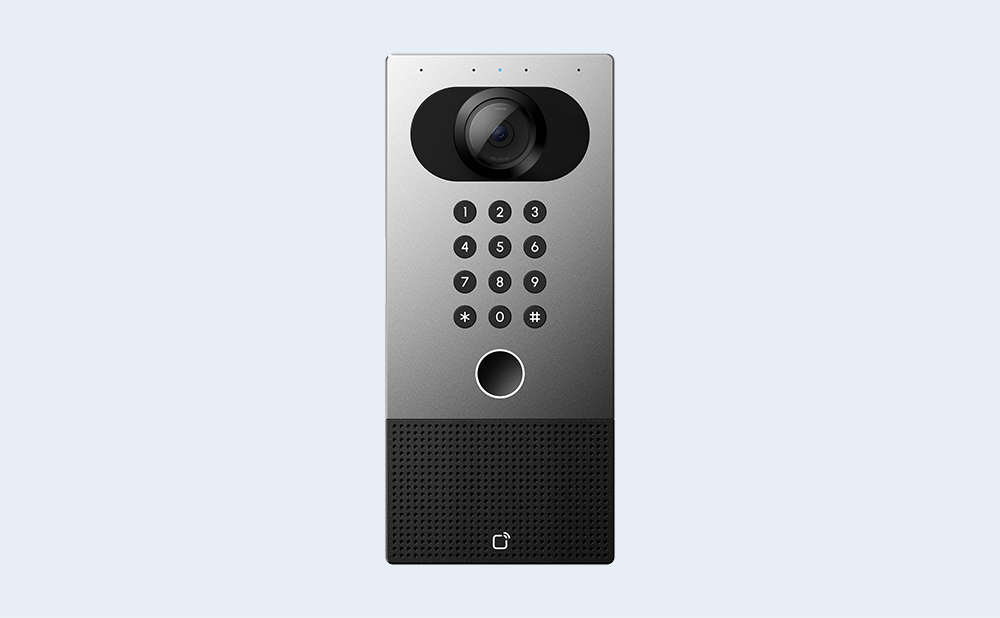
Intercom + Access
Intercoms with Built-In Entry
Some intercom models combine the call button with a credential reader, so employees badge in and visitors call, all at one device. Available options depend on the model and license.
Best for: shared entrances used by staff and visitors.
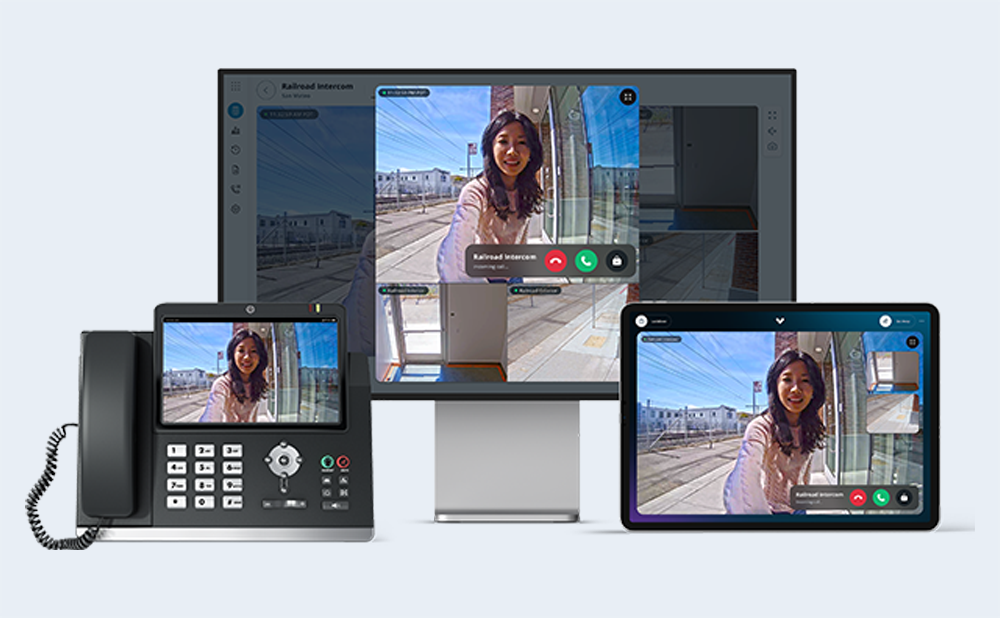
Reception
Desk and Reception Answering
Let your front desk answer visitor calls from a desk station or computer, see who is at the door and release it without leaving their seat.
Best for: staffed lobbies and front desks.
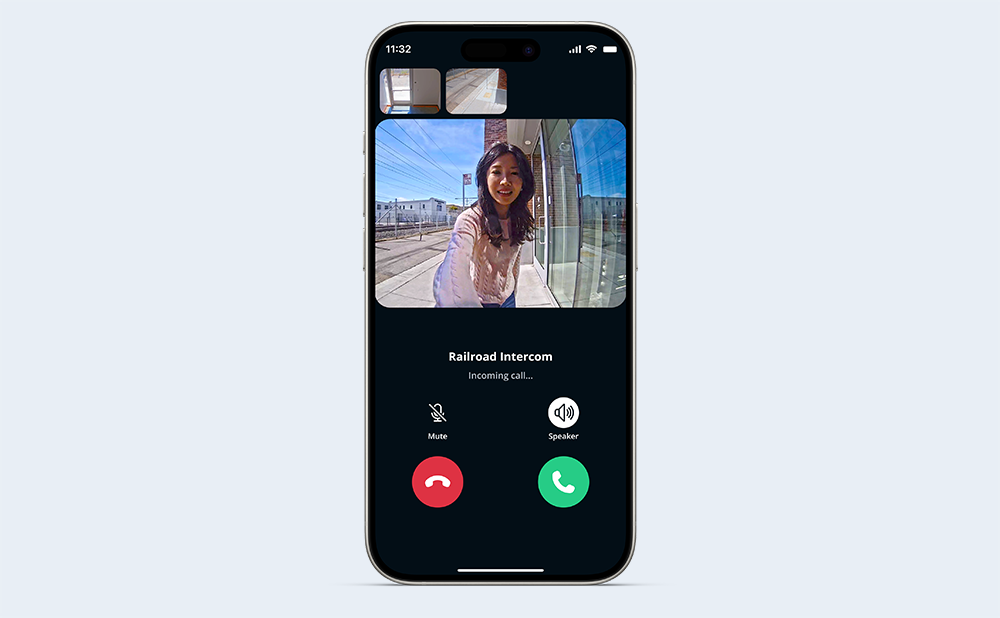
Mobile
Answer From Your Phone
Take visitor calls in the mobile app wherever you are, so deliveries and late arrivals don't depend on someone being at a desk.
Best for: owners, managers and small teams on the move.
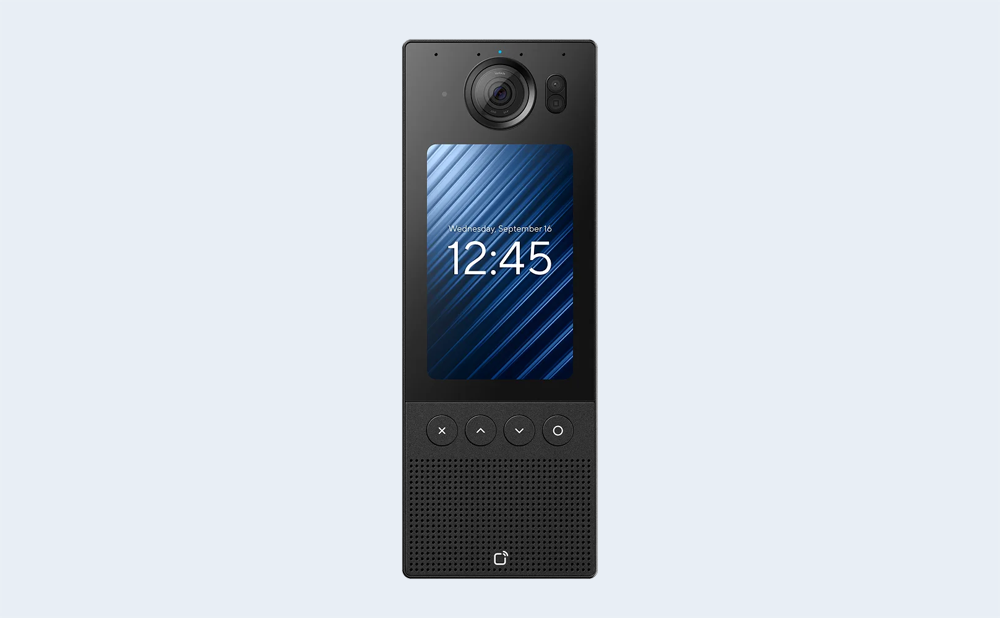
Multi-Tenant
Tenant and Directory Entry
For buildings with several tenants, route each visitor call to the right suite or person, so one door can serve the whole building.
Best for: property managers and multi-tenant buildings.
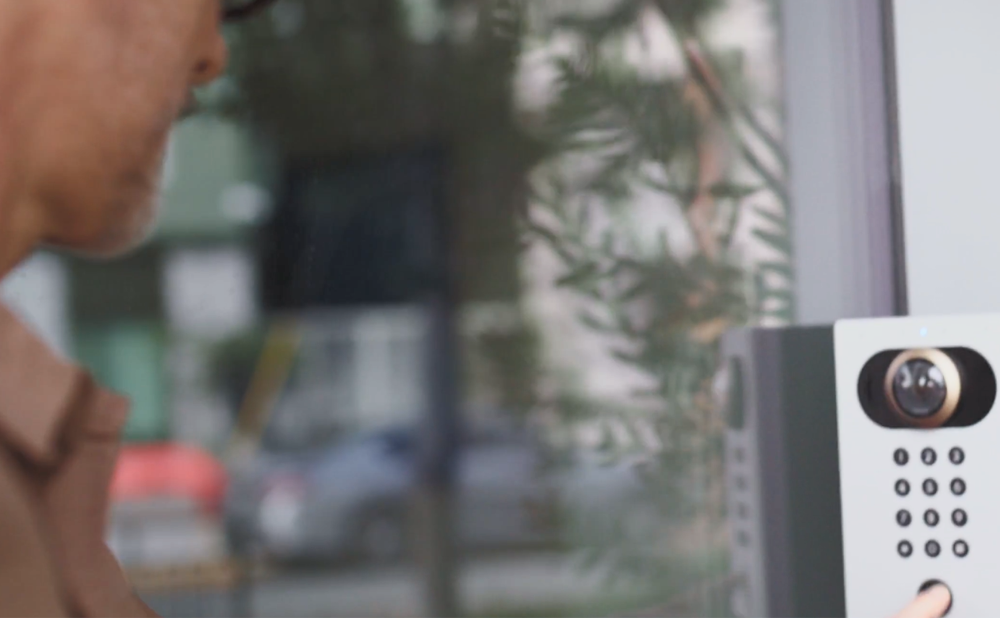
After Hours
Deliveries and Secondary Doors
Add an intercom at a loading dock, rear door or side entrance to verify deliveries and vendors, and keep a video record of each call.
Best for: warehouses, restaurants and retail back doors.
See It. Say It. Unlock It.
Every visitor interaction follows the same simple flow, and your team can handle it from wherever they are.
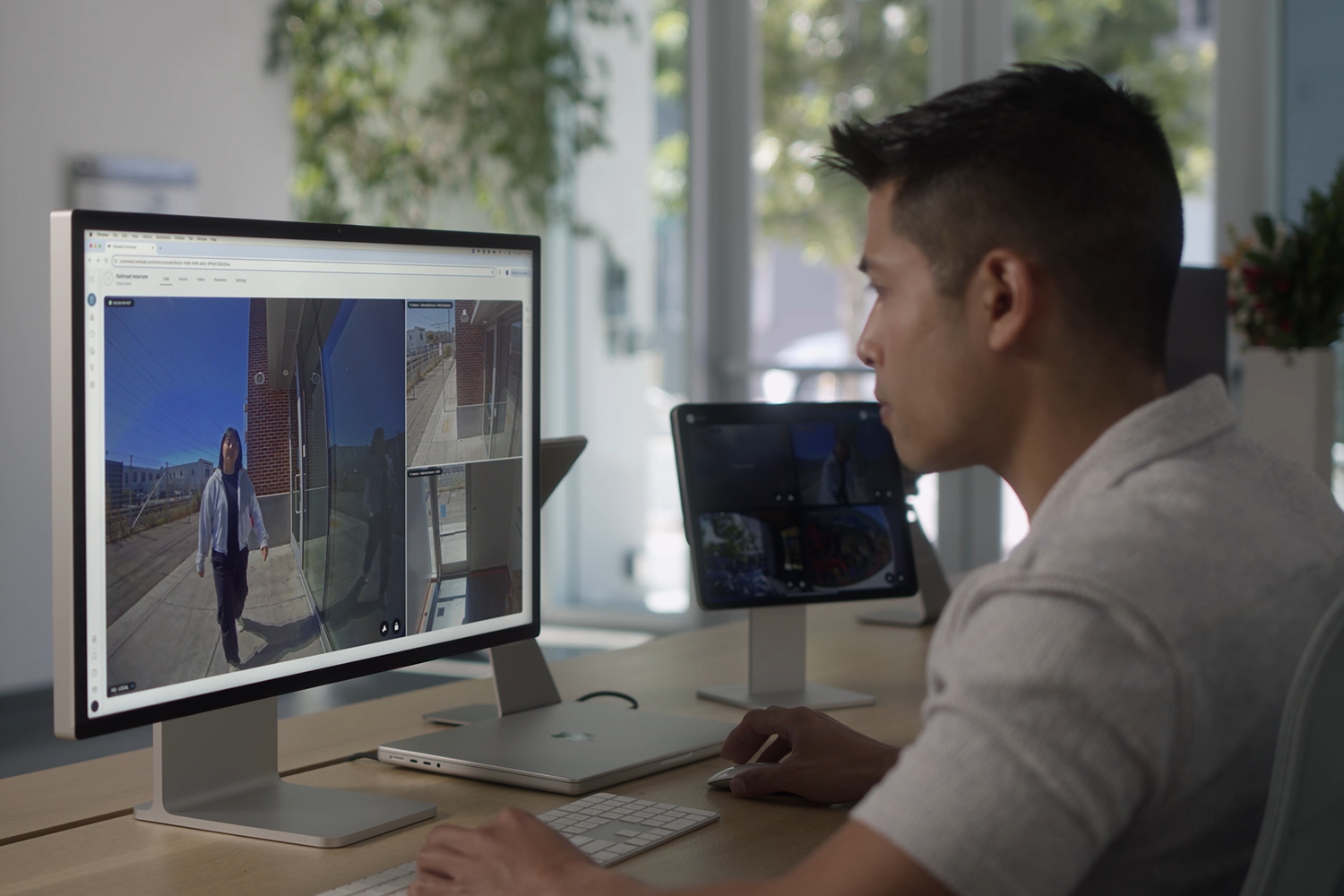
Answer Anywhere
Pick up from a phone, a desk or a browser
Visitor calls can ring the people you choose, so they get answered quickly instead of going unnoticed at a door nobody is watching.
Verify Before You Open
Know who is at the door first
Two-way audio and video let your team confirm who is there and why, before the door opens, with a clear view of the entrance.
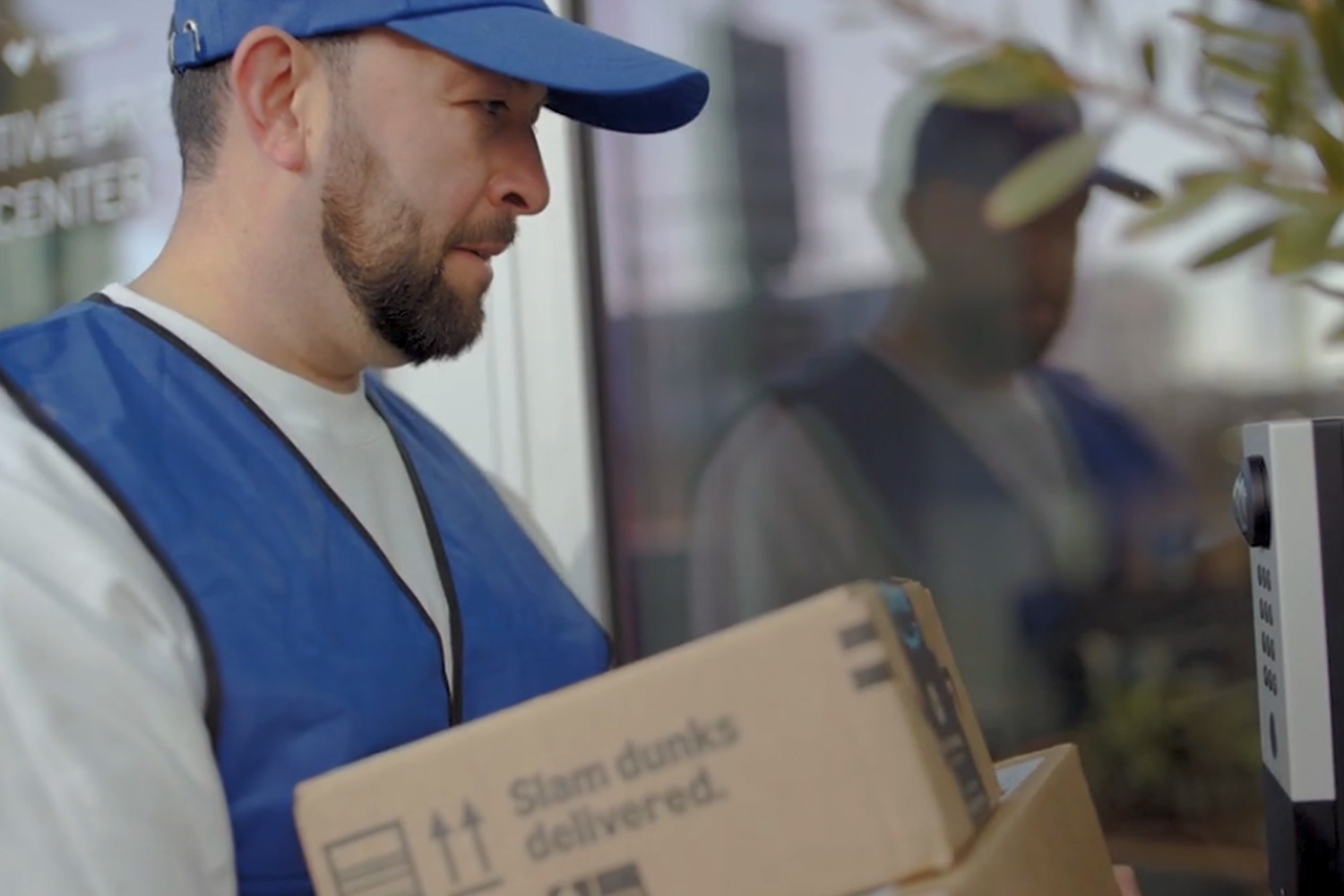
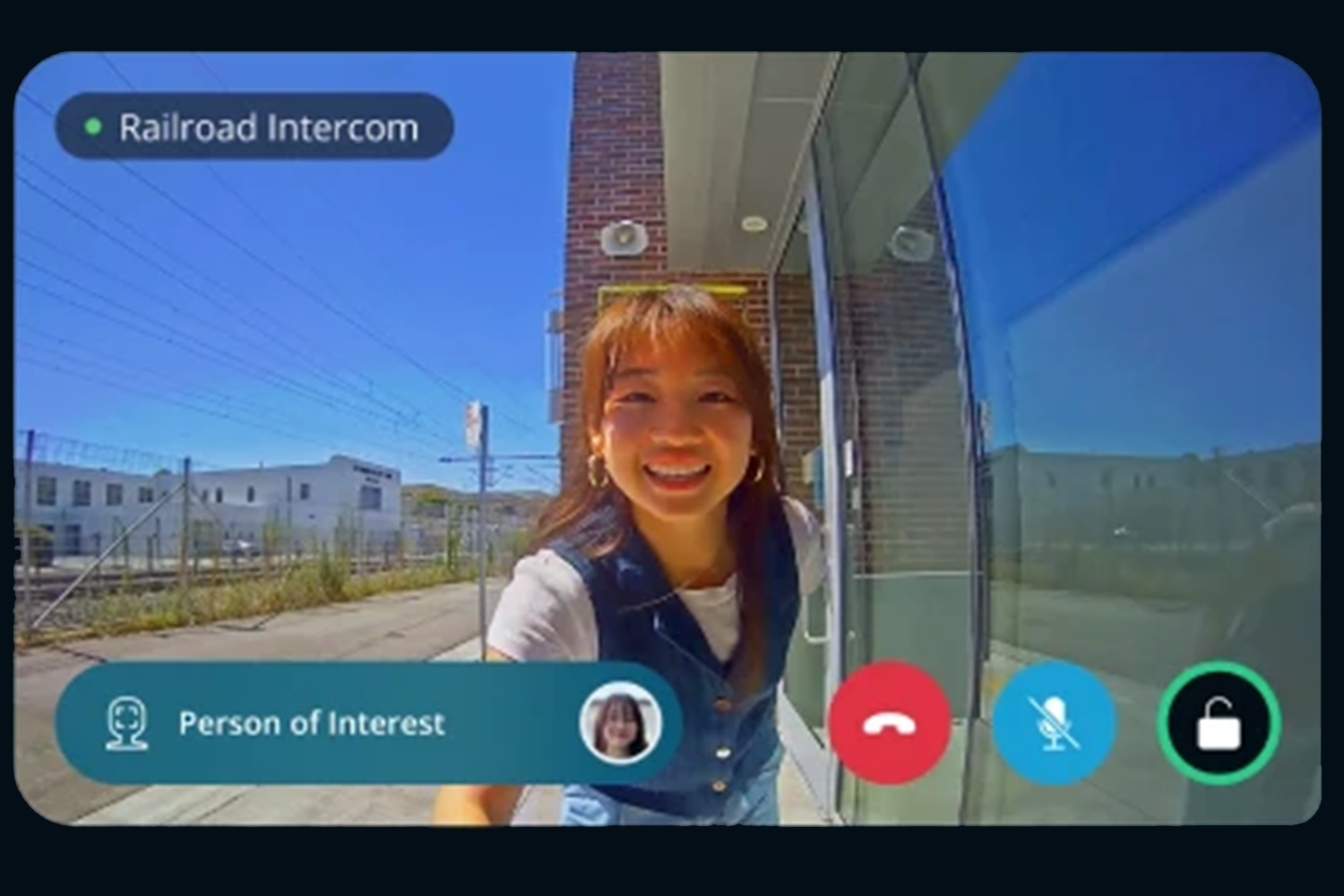
Unlock Remotely
Admit visitors without leaving your desk
Once you've verified a visitor, release the door with a tap. Intercoms work with Verkada access control, so unlock actions and door activity can be reviewed in one place.
Doors, Cameras and Intercoms Working Together
An intercom is more useful when it is part of the rest of your entrance. Verkada keeps visitor calls, door access and video in one system, managed from the cloud.
A visitor presses the button
The call rings the people or groups you've set up for that door.
Your team sees and speaks
Live video and audio confirm who it is and what they need.
The door is released
One tap unlocks it, using the door hardware tied to your access control.
The event is recorded
Review the call and the door activity later, alongside nearby camera footage.
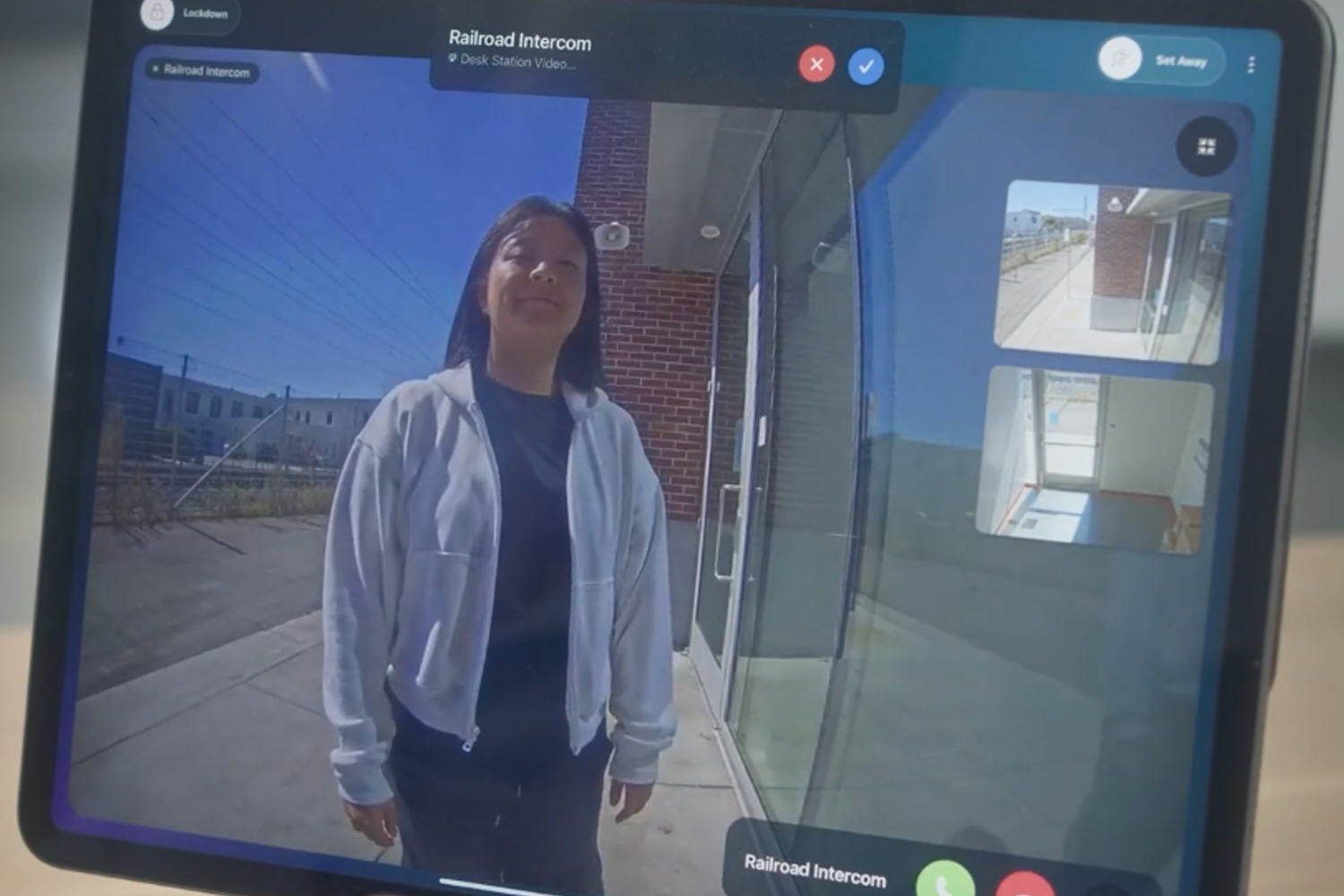
Call History
Look back at who called, when, and who answered.
Schedules
Route calls differently during business hours and after hours.
Linked Cameras
Pair intercom events with nearby camera footage for context.
Permissions
Decide which users and groups can answer, unlock and review.
Cloud-Managed. No Server Closet.
Verkada intercoms are managed from the cloud, so there is no on-site call server to maintain and every entrance is managed the same way.
1 Platform
Cameras, doors and intercoms
Cloud
Managed from anywhere
Mobile
Answer calls on the go
Multi-Site
One view of every entrance
Centralized Management
Configure intercoms, users and call routing for every location in one place.
Remote Updates
Devices receive software updates through the cloud, which reduces manual maintenance.
Role-Based Permissions
Control who can answer calls, unlock doors and review history.
Works With Your Network
Intercoms connect over your network, so planning power and connectivity up front matters, and that is where we start.
Easy to Scale
Add entrances or locations over time without rebuilding the system.
Integrations
Connect with other Verkada products and supported third-party tools, depending on your setup.
From Entrance Assessment to Working System
A good intercom install depends on more than the device. We handle the planning and the pieces around it.
01
Entrance Assessment
We walk each entrance to choose the right location, mounting height and device for how visitors approach.
02
Power and Cabling
We plan the cable runs and power needed at each door, including network drops and PoE where applicable.
03
Network Setup
We make sure your network, VLANs and bandwidth can support the devices before they are installed.
04
Door Hardware
We coordinate the strikes, locks and controllers that the intercom releases, so the door actually opens.
05
Call Routing and Users
We set up who answers, in what order, and what happens after hours or when no one picks up.
06
Training and Support
We train your team and stay available for ongoing support after installation.
Security That Fits Your IT
Intercoms depend on your network. Because Tekie Geek is also your IT team, we can plan the network, the cabling and the devices together, and support all of it after install.
A Clear Path to Better Entrances
Four steps from first conversation to a system your team is comfortable using.
Walk the Site
We review your entrances, visitor flow and goals in person.
Plan the System
We recommend devices, door hardware, cabling and call routing.
Install and Configure
We install the hardware, connect the network and set up users and calls.
Train and Support
We walk your team through it and remain available for support.
Let's Plan Your Intercom System
Tell us about your entrances, who visits and how your team works. We'll recommend the next practical step.